

泉佐野市の縁里庵かつもと鍼灸院
泉佐野にある他の鍼灸院や鍼灸整骨院との違いは
縁里庵かつもと鍼灸院は整体やマッサージなどは一切行わず
鍼灸専門で10年以上続けている泉佐野市では 珍しい鍼灸院になっています。
何故鍼灸専門かというとマッサージを行うと
患者さんは多く来ていただけますが
気持ちは良いですが効果は期待できなくなります。
大阪市内では鍼灸専門は多くありますが、泉佐野市では縁里庵かつもと鍼灸院以外ありません。
泉佐野市では気持ちの良いマッサージが求められ、効果の出す鍼灸は行っている鍼灸院は少ないです。
縁里庵かつもと鍼灸院では泉佐野で唯一鍼灸専門にこだわり
効果を求めて施術させて頂いています。
全身のバランスを調整しながら症状の原因を根本から整えていきます。
身体を根本から改善したいという方は
経験豊富な泉佐野市の縁里庵かつもと鍼灸院までご相談ください。
現在はコロナ後遺症やワクチン後遺症の方の鍼灸施術も行っています。
鍼療時間などは泉佐野市の縁里庵かつもと鍼灸院の情報はこちらからご覧ください。
■GWの鍼療時間は29日は午前のみ、5月3日は休み、4日は通常鍼療、6日は昼まで鍼療しています。
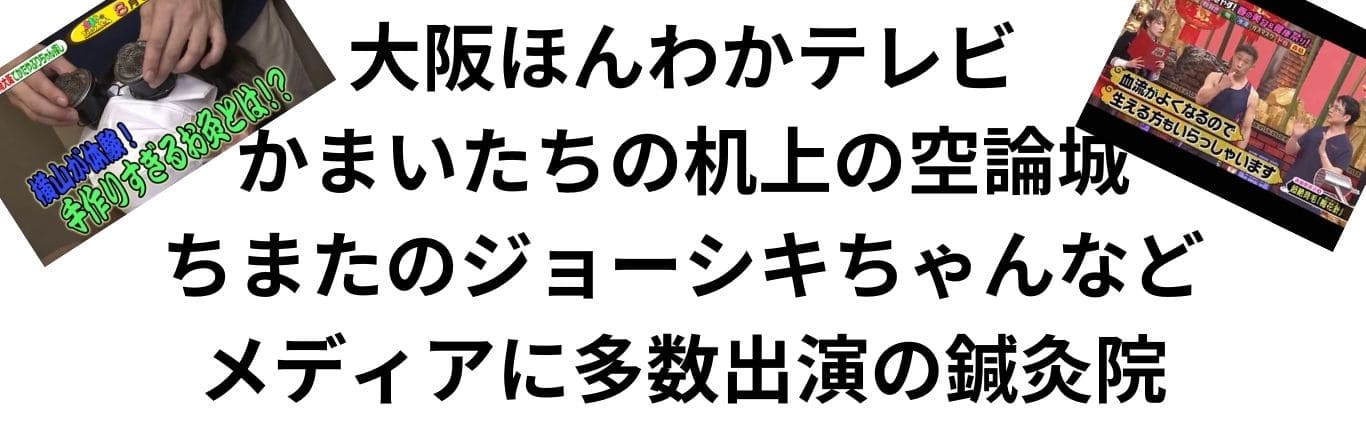
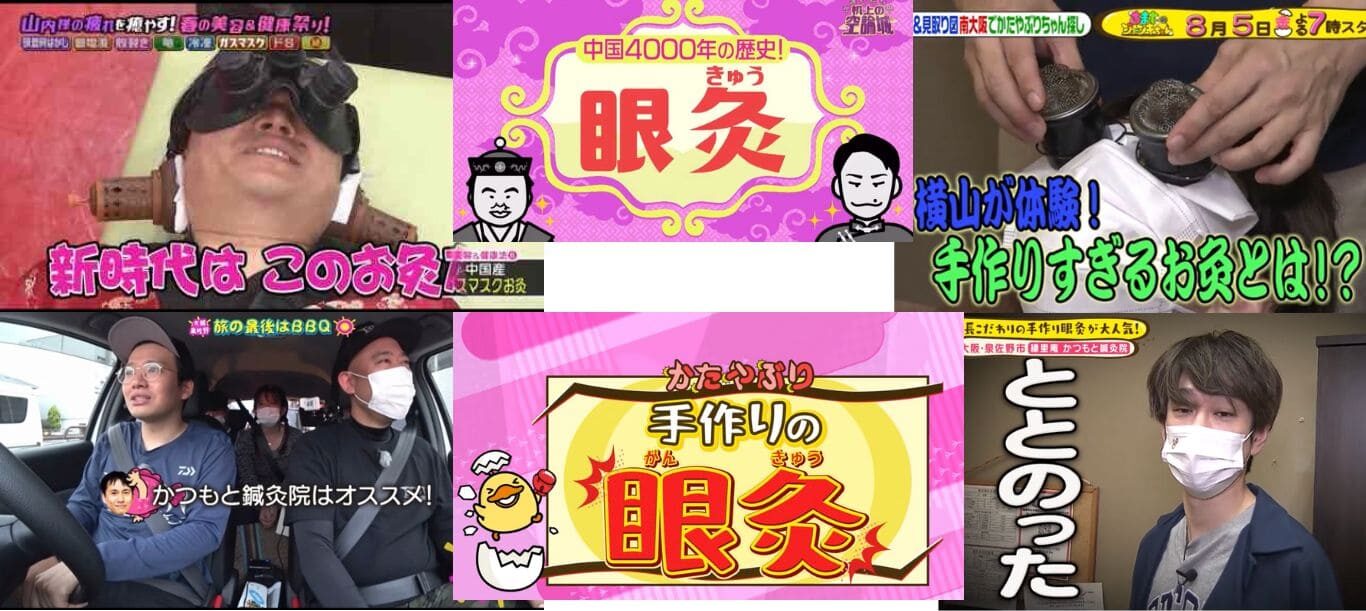
■4月末まで初鍼料1000円引きさせて頂きます。■4月27日放送かまいたちの机上の空論城に出演します。
■ご予約は24時間対応したネット予約かLINE、電話をご利用ください
■ご夫婦、お友達同士の同時施術も対応させて頂いています。
(ネット予約は複数人のご予約に対応していません。LINEでお問い合わせください)
■当日の空き情報をメルマガにて配信します。
当日割などお得な情報を朝9時前後に配信していきます。
料金表
| 施術名 | 通常料金 | 週1予約割 | 予約割 | 時間 |
| 全身施術(腰痛、肩こり、眼精疲労など) | 6,000円 | 4000円 | 5000円 | 60分 |
| 不妊症の鍼灸 | 6,000円 | 4000円 | 5000円 | 60分 |
| 自律神経失調症の鍼灸 | 7,000円 | 5000円 | 6000円 | 60分 |
| 【ライト】美容鍼灸 | 5,500円 | 5000円 | 30分 | |
| 【スタンダート】ぷるぷる美容鍼灸 | 6,500円 | 6000円 | 40分 | |
| 【プレミアム】biribiri美容鍼 | 11,000円 | 10500円 | 50分 | |
| 【美顔】ICCO美顔はり | 4,500円 | 4000円 | 15分 | |
| 【セット割】全身施術+ぷるぷる美容鍼灸 | 11,500円 | 9000円 | 10000円 | 70分 |
| デトックス吸い玉(皮膚刺絡、井穴刺絡) | 3,000円 | 2000円 | 30分 |
※初鍼料別途1000円
※週1回予約割、予約割はご予約を取って帰っていただくと予約割引になります。
※他の割引との併用はできません。
※鍼は全て使い捨てです。
泉佐野の鍼灸院の施術料金の平均値
泉佐野の鍼灸院のの施術料金の平均値
泉佐野にある鍼灸院、鍼灸整骨院の平均を調べてみました。
泉佐野、熊取町、貝塚市では5000円~が多いです。
初診料は3000円位までが多かったです。
鍼灸専門は少なく
マッサージを行い「気持ちいい」を重視している傾向が多いです。
お身体の回復なら鍼灸が1番おススメです。
泉佐野市の縁里庵かつもと鍼灸院では
予約割など通いやすい値段設定を泉佐野市では唯一行わさせていただいています。
ご不明な点等ございましたらお気軽にご連絡ください。
江戸時代から伝統的な施術方法
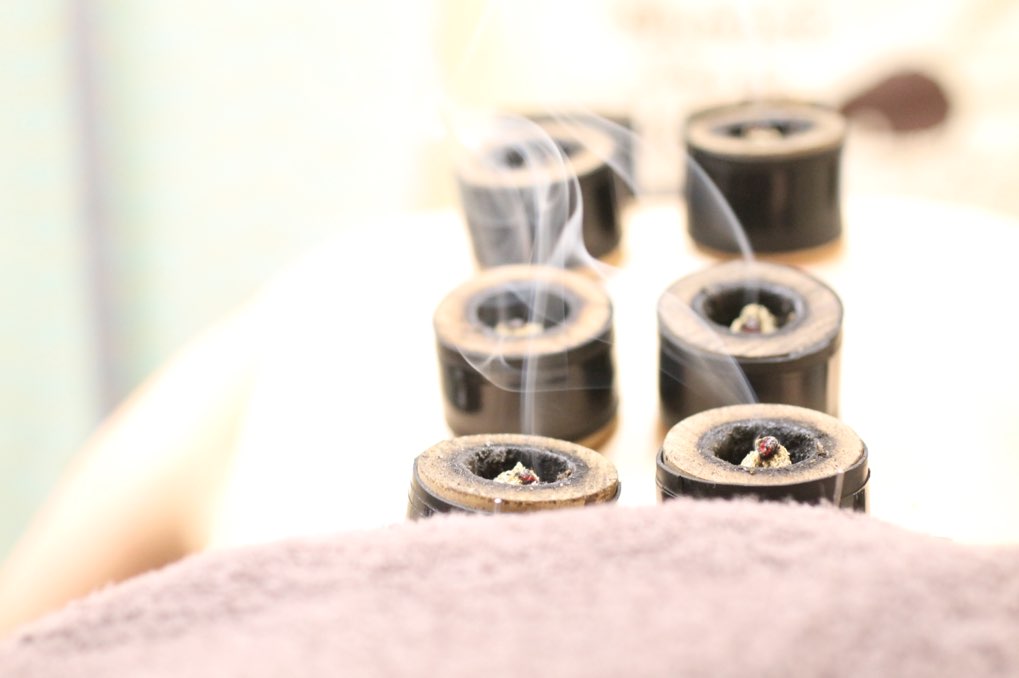
江戸時代からの伝統的な技術
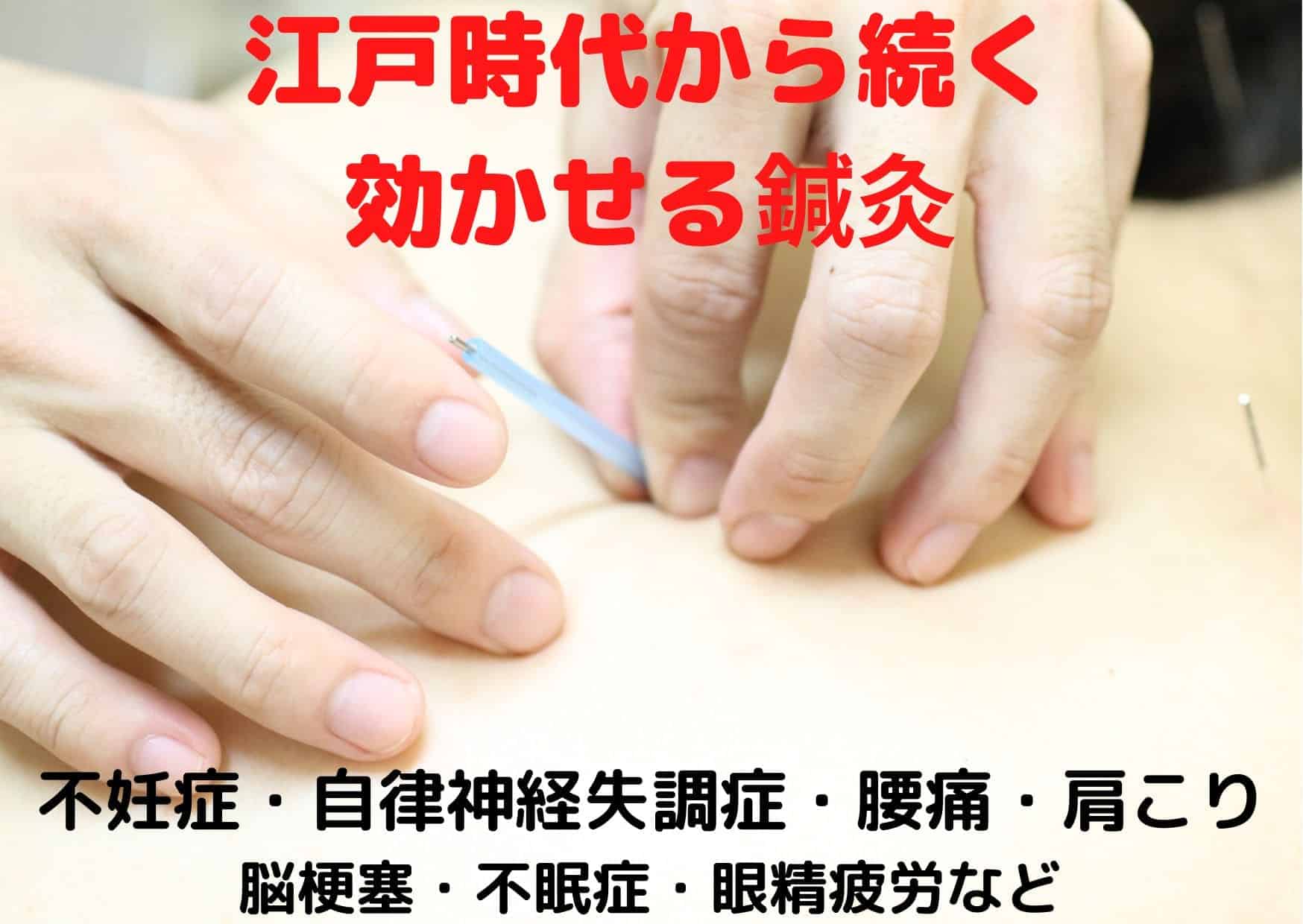
縁里庵かつもと鍼灸院は江戸時代から続く伝統的な鍼灸を行っています。
これは江戸時代に日本鍼灸の最盛期で 鍼灸は効果があるのか?
を調べた時代だからです。
江戸時代の鍼灸は日本人の体質に合わせた鍼灸施術になります。
縁里庵かつもと鍼灸院の施術は体質の改善を行い
毎年ぎっくり腰で悩んでいる人がぎっくり腰にならなくなる事を目的とします。
痛みを取ることは大切ですが、痛みが出にくいようにする
というのはもっと大切です。
痛みは表面で早く良くなる傾向が多いですが
根っこは体質改善しないと変わらない事が多いです。
泉佐野市の縁里庵かつもと鍼灸院で体質改善をしてみませんか♪
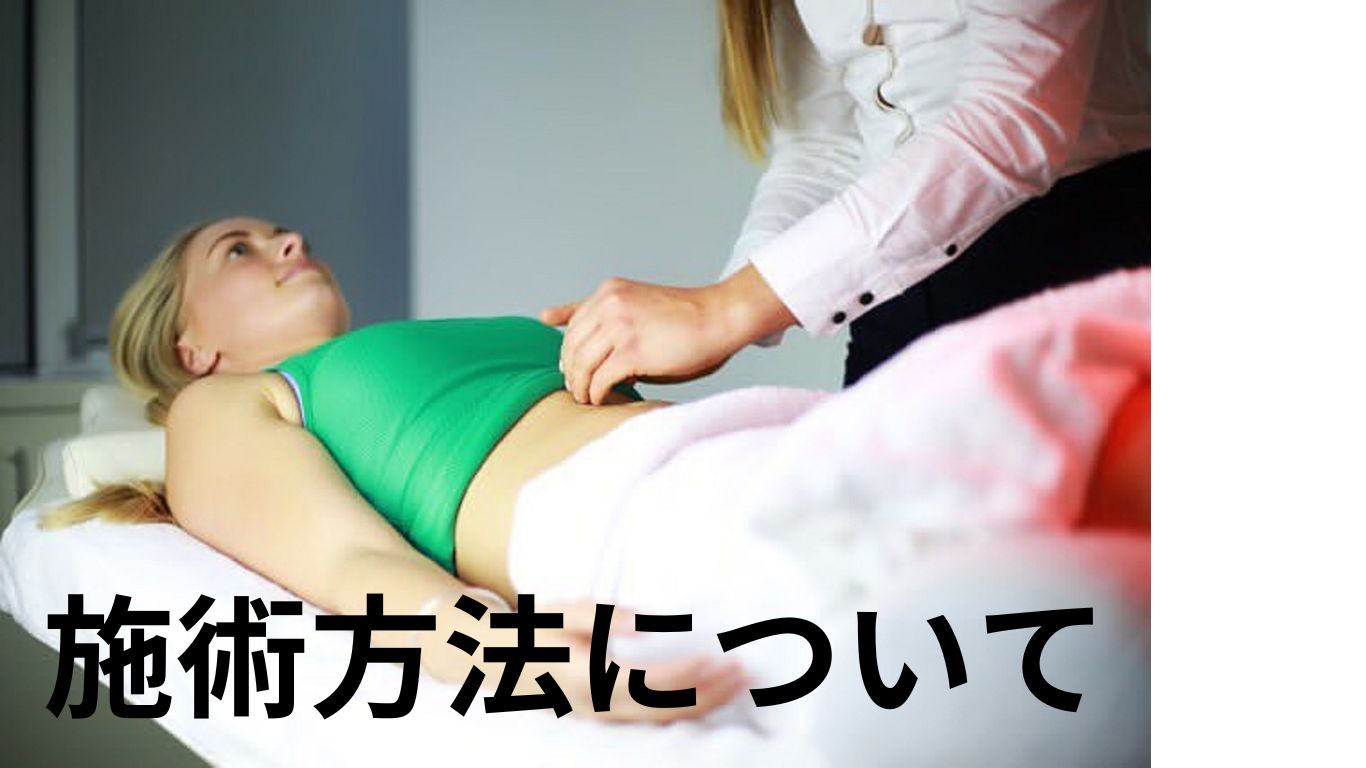
縁里庵かつもと鍼灸院の施術方法
縁里庵かつもと鍼灸院の施術方法
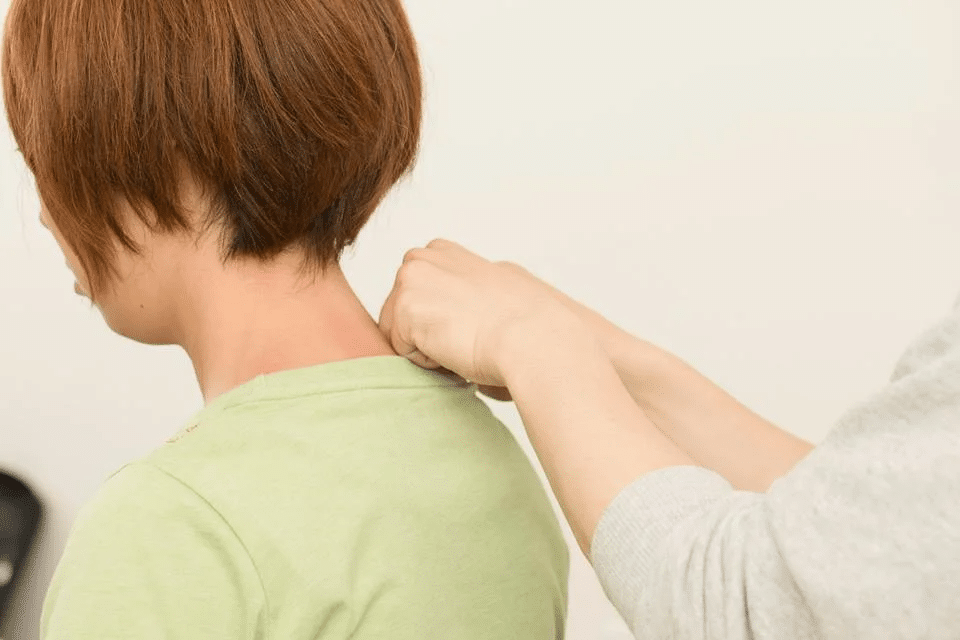
刺激の弱い鍼
刺激の強い鍼 色々あります鍼灸は流派も多いですが
縁里庵かつもと鍼灸院はこだわりを持ちすぎず
患者さまに良いものは使い
悪いものは使わない
最適な流派・施術を行わせていただきます。
そんなの当たり前と思うかもしれませんが
出来る鍼灸院は少ないです。
患者さまに合った最適な施術法を提供させていただきます。
その中でも特徴的なやり方は下記になります。
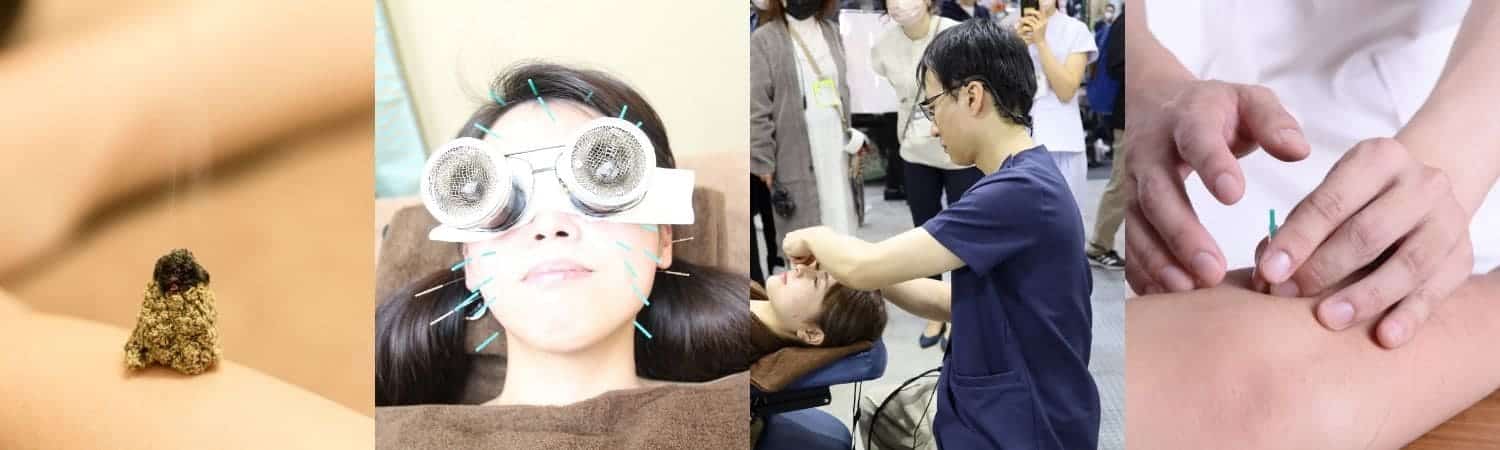
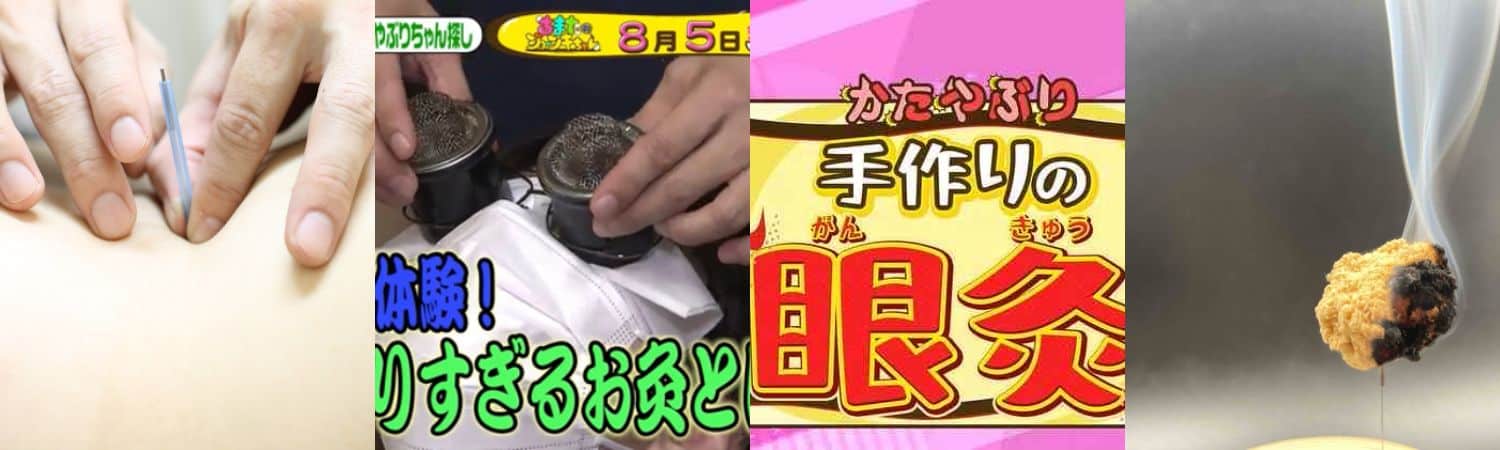
泉佐野の縁里庵かつもと鍼灸院は特許の1つの意匠を取ったオリジナルの眼灸や耳灸など
日本にはないお灸道具だけではなく
自律神経失調症に効果がある督脈通陽法
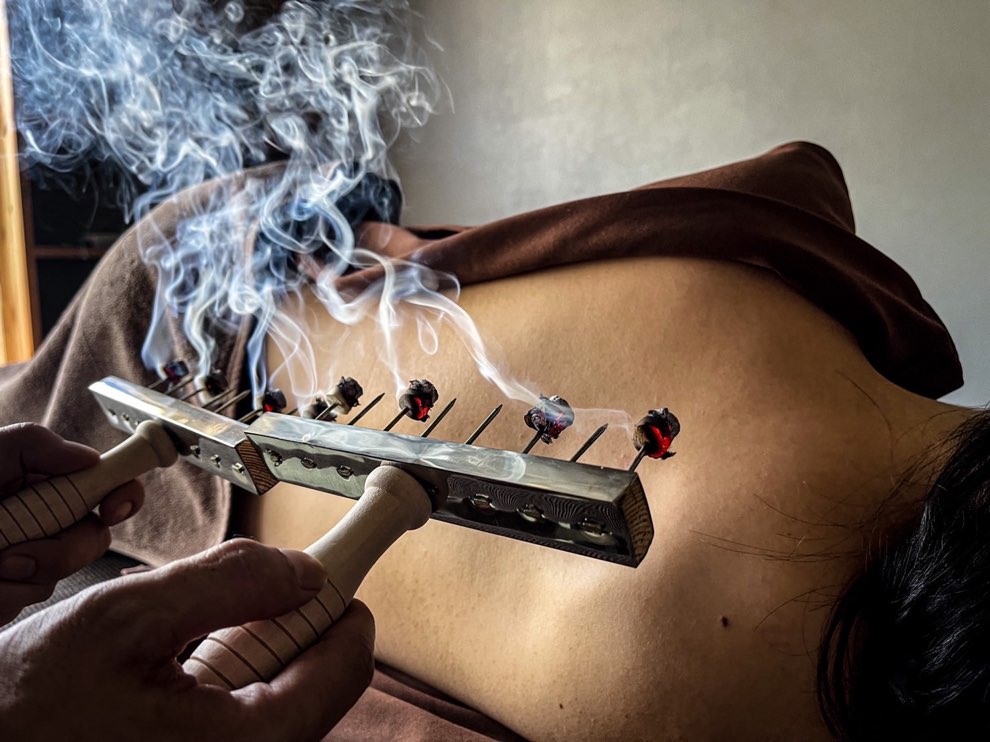
泉佐野市は昔から高温多湿になり
お灸は日本人の体質に合っています。
100種類近くあるお灸道具から
患者さまに合わせたお灸をする事で
健康作りのお手伝いをさせて頂きます
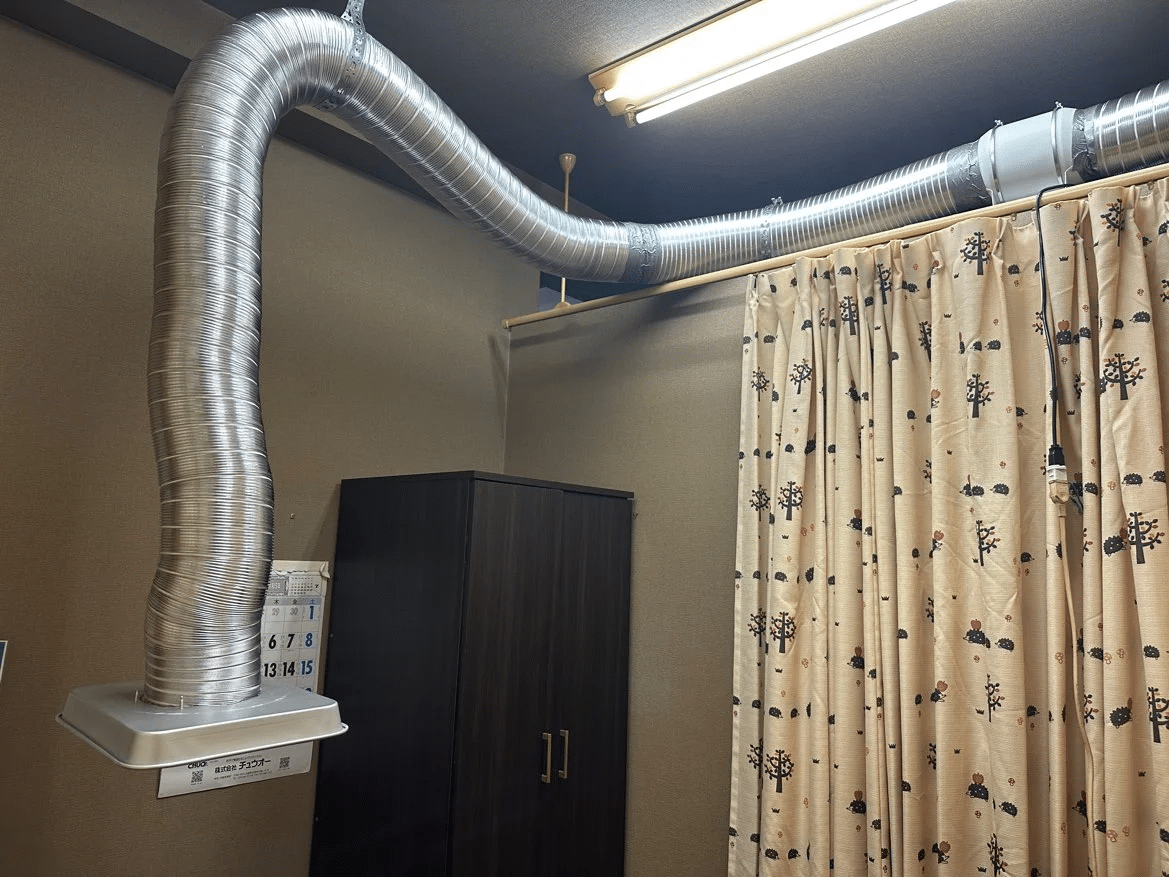
縁里庵かつもと鍼灸院の煙対策
泉佐野市で唯一のコリにこだわった鍼灸院
泉佐野市で唯一のコリにこだわった鍼灸院
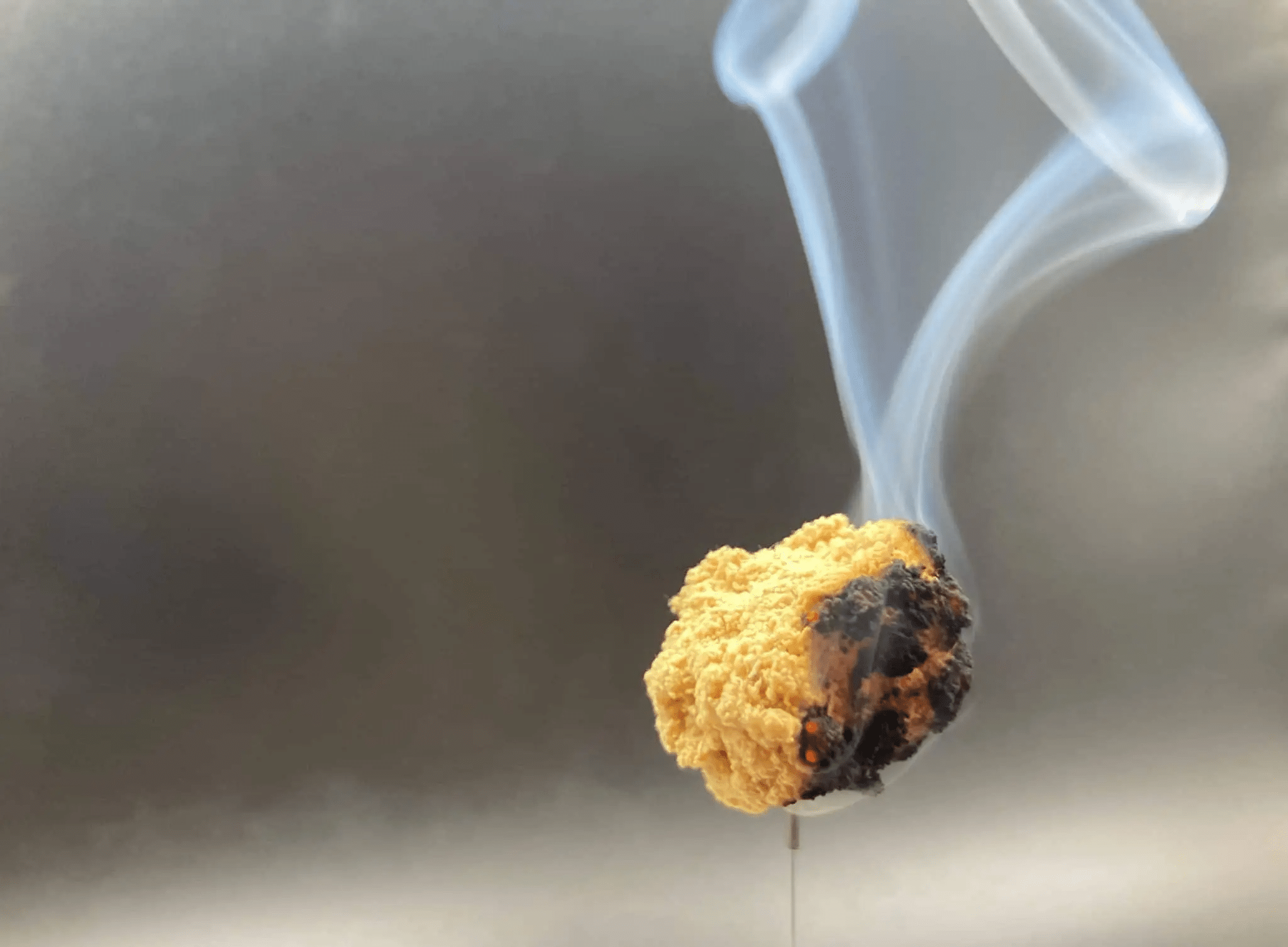
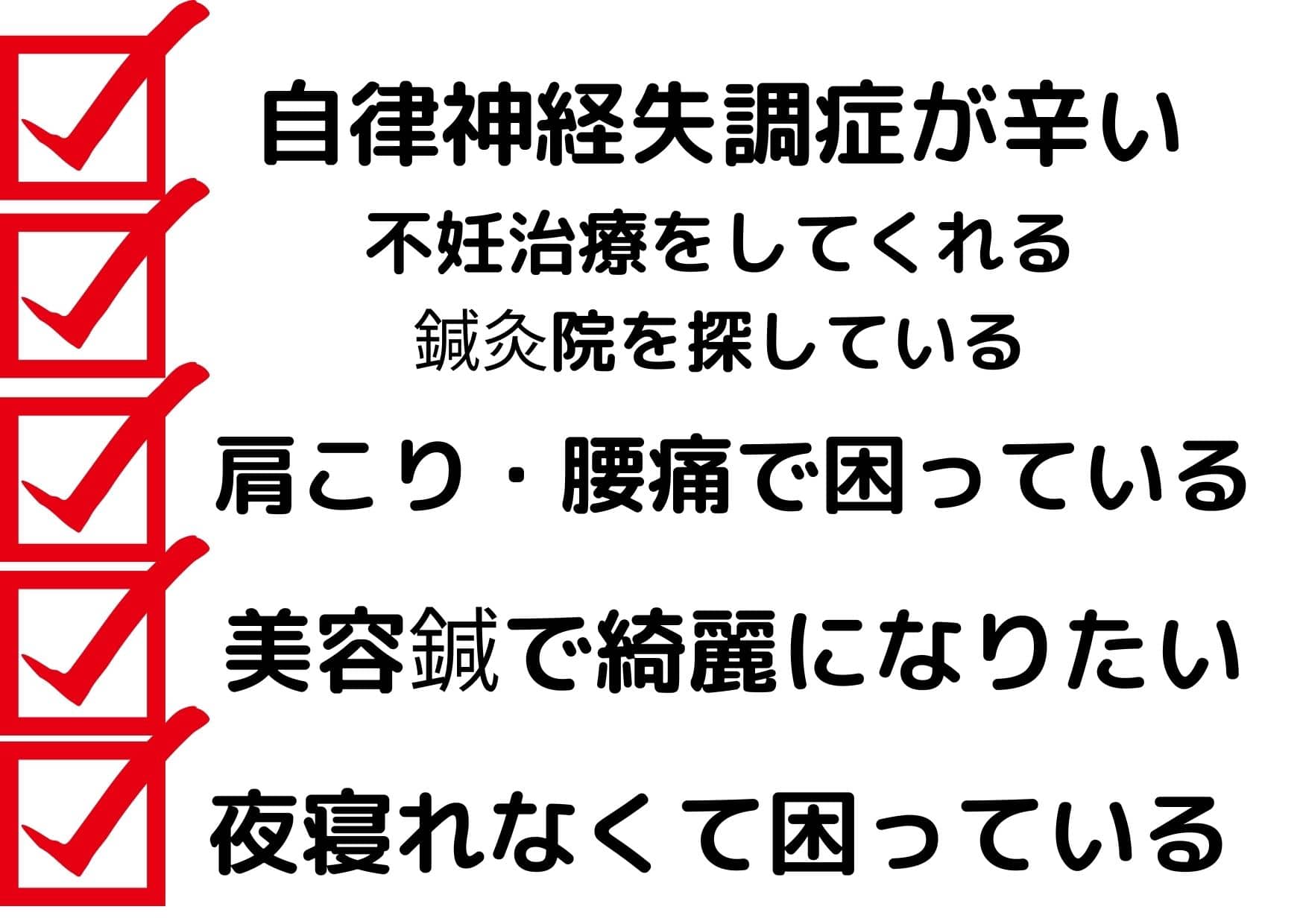
肩こりや首こりなど悩まれている方が多くいらっしゃると思います。
縁里庵かつもと鍼灸院は”コリ”にこだわりを持った泉佐野で唯一の鍼灸院です。
コリから大きな病になる事も多く
「たかがコリ、されどコリ」
コリは悪者で、病気になるのはコリが原因になります。
施術の流れ
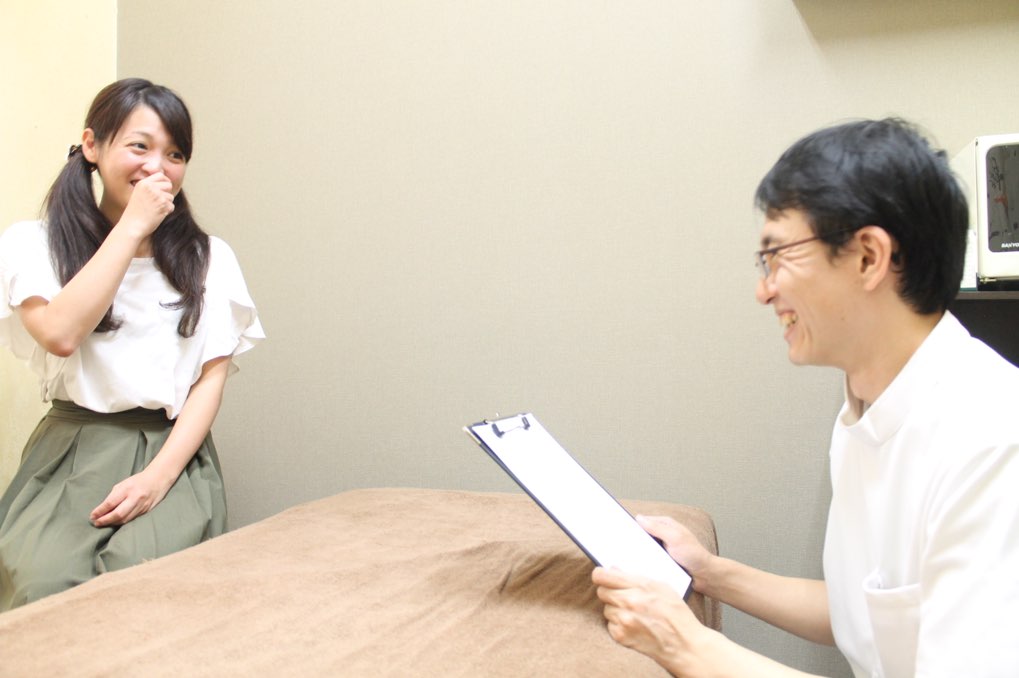
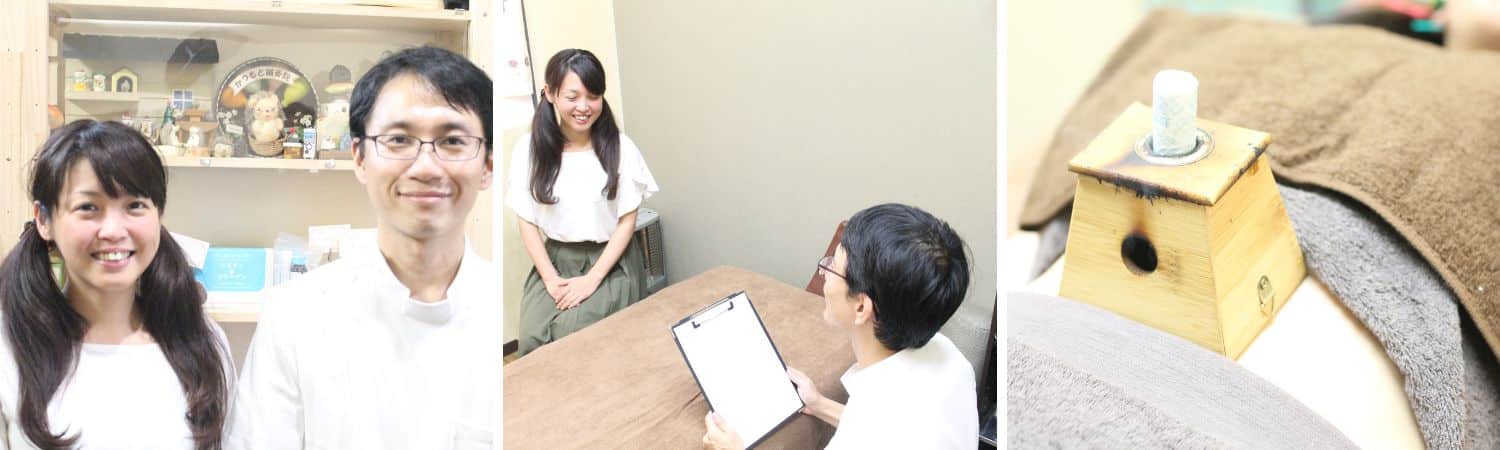
初鍼は問診から始まります。
お身体の不調の部位や状態を確認させていただき
施術をさせて頂きます。
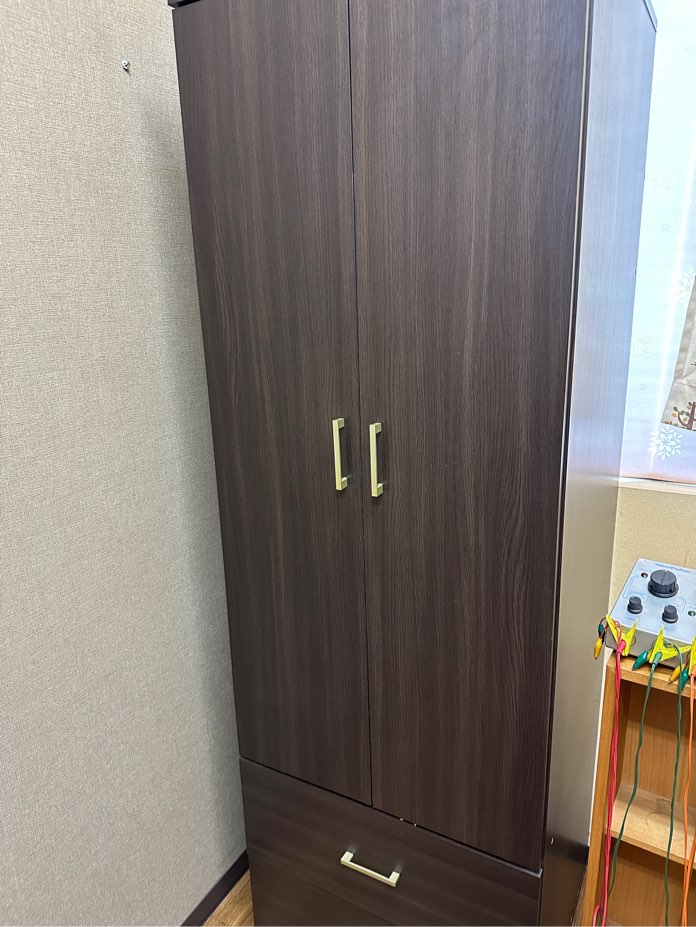
問診を終えると鍼灸施術の準備に入ります。
院内にはバスタオルや必要な方はお灸の香り対策でヘアキャップなどをつけていただきます。
お荷物はロッカーに入れて頂けます。
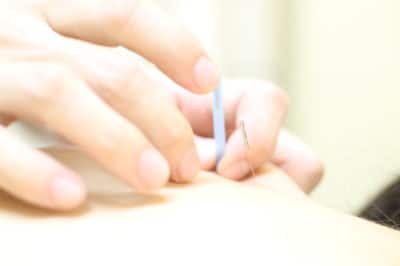
鍼が怖い方には弱めの刺激を行います。
強さに関してはお気軽にご相談ください。
縁里庵かつもと鍼灸院の施術は全身施術になりますので
悪い部分だけの刺激ではなく、悪い部分も含めた全身施術です。
鍼灸整骨院との違いかもしれません。
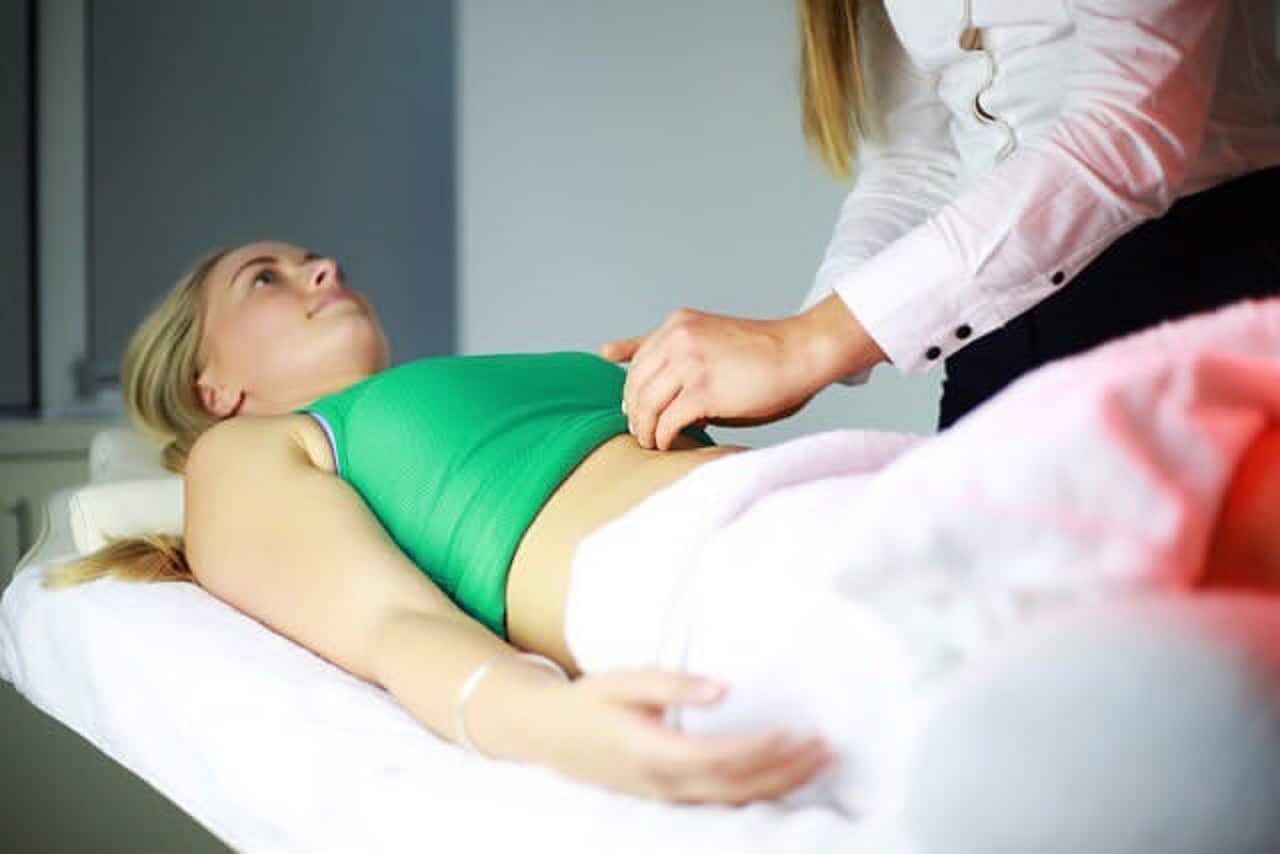
鍼灸施術後はお身体のチェックをしていただきます。
鍼灸は効果の確認が大切になりますので施術後に変化を見て頂きます。
1度で変化しない事ももちろんありますが、何かしらの変化があれば
継続する事で身体が良くなっていきます。
泉佐野市の縁里庵かつもと鍼灸院の月1回の施術で身体の調子を維持していきませんか。
施術後は1週間から1か月の間に予約を取った方が良い場合もあります。
1度目の施術後変化がどれだけあるのか?2度目の施術時に確認します。
鍼灸施術の強さの調整を行い患者さまの体質や体調に合わせて
刺激の強さを決めていきます。
泉佐野の鍼灸院までどのような症状の方が来院されていますか?

整骨院は半径2キロ圏内から来院される事が多いですが
縁里庵かつもと鍼灸院は泉佐野市周辺だけではなく、貝塚や熊取、大阪市内や和歌山
福岡、東京などから来院されます。
縁里庵かつもと鍼灸院で多く来院されている疾患の方の参考例をご紹介させていただきます。
鍼灸が初めての方も多く来院されていますので
ご安心してご予約下さい。
鍼灸専門の鍼灸院にしか出来ない事は?
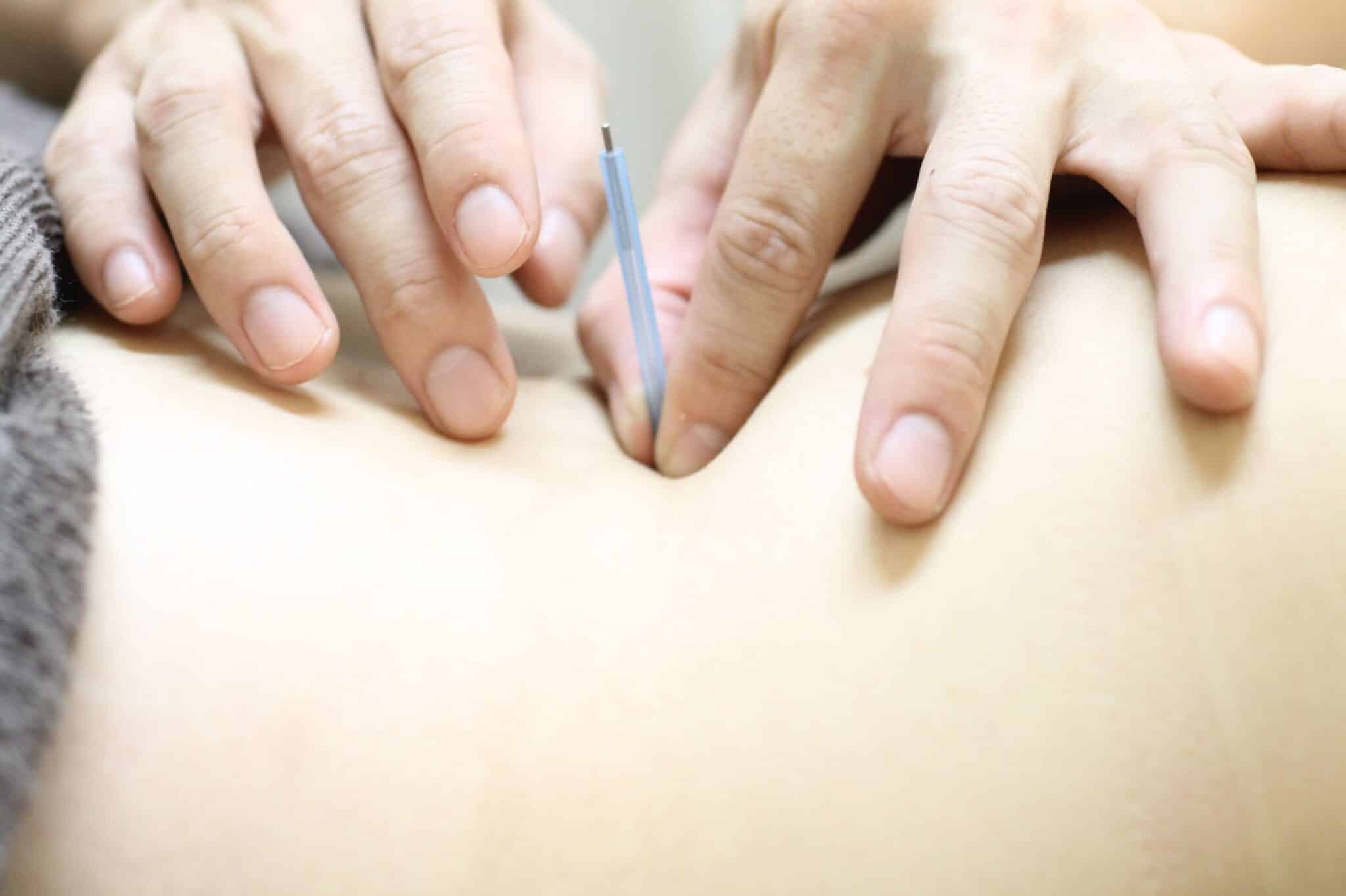
鍼灸と言えば
痛い!熱い!
と言うイメージがあると思います。
痛い=太めの鍼 細く鍼を作る技術がなかった
熱い=火傷をする灸 今は火傷はさせないので気持ちが良い
に変わってきています。
もちろん、細くなったからと言って
無痛になったわけではないですが
痛みがかなり軽減されたのは事実です。
マッサージや整体など
皮膚の表面からでしか出来ない手技と違い
鍼灸は皮膚から筋肉を通り
原因の場所に直接刺激を送ることが出来る
施術方法です。
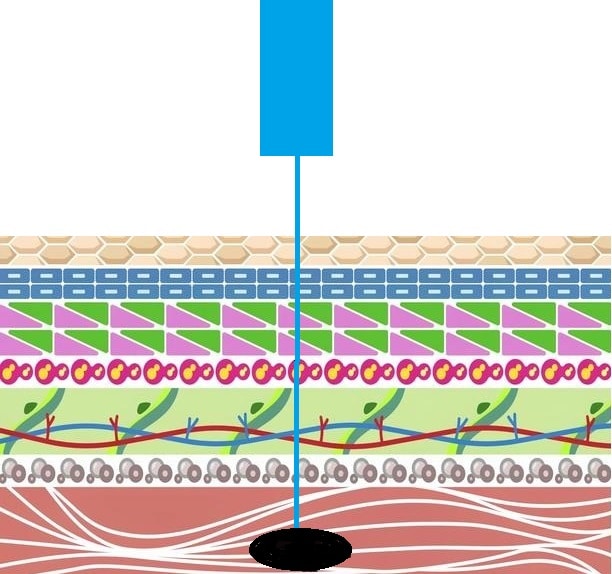
原因の場所に鍼が当たる事で
重い・ダルイ・電気が走る ような痛み・気持ちよさ
など不思議な感覚 を起こすことがあります。
鍼灸の経験が豊富な鍼灸院でしかこの加減は難しく
鍼灸専門の鍼灸院でしか出来ない技術です。
院長勝元宏亮からごあいさつ
大阪府泉佐野市にある縁里庵かつもと鍼灸院 院長の勝元宏亮と申します。
鍼灸は厚生労働省が定める学校を卒業し国家資格を持つ人間
だけが名乗れる国家資格になります。
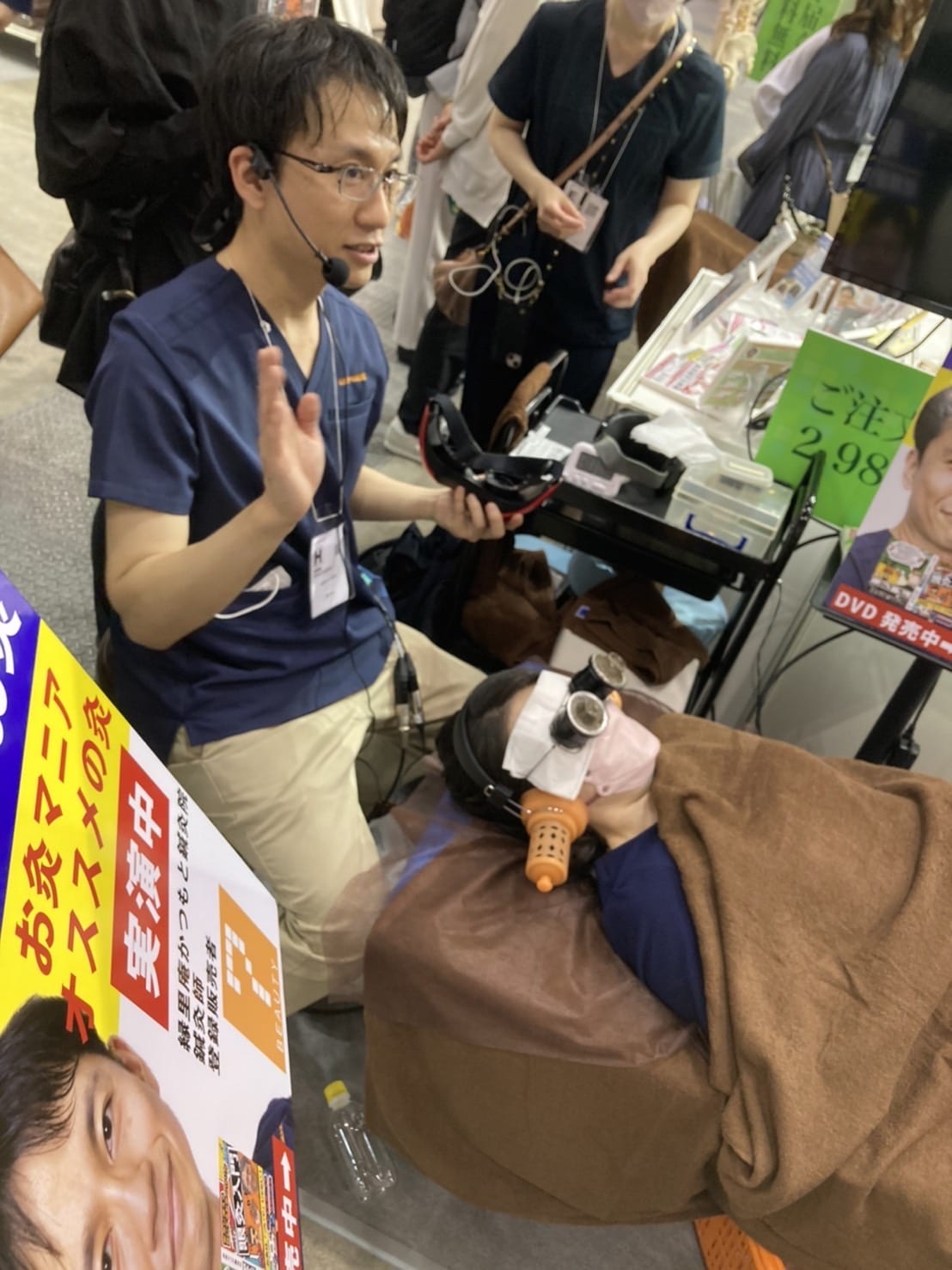
私自身が一度体調を崩し、20歳の頃に半年間寝たきりになりました。
病院や整骨院に行きましたが原因不明と言われていました。
体調が悪くなると部屋の網戸を閉め真っ暗にし、
知人の連絡も返さずその時は人生を諦めていましたが
その時に鍼灸を受けて身体を動けるようになり
『こんなに鍼灸は身体に変化があるのか!?』
と驚いた事を今でも覚えています。
『この体験を少しでも多くの方に体験して欲しい!』
こんな思いで、1年リハビリを行い鍼灸学校の道に進みました。
国家資格を手に入れ同じように悩んでいるけど
現在の病院では対応出来ない方に少しでも助け舟を出せるように病院で鍼灸施術をしながら
訪問鍼灸で開業し、泉佐野で店舗を構える事が出来ました。
今では同じように悩んでいる方が働けるようになり
『ありがとう』 というお言葉を頂ける事が増え嬉しいです。
通常の鍼灸院、整骨院ではカーテンで区切っている事が多いですが
泉佐野の縁里庵かつもと鍼灸院では
完全個室の施術室が3室あり
臨床経験豊富な鍼灸師対応します。
ベッド3台ありますのでご予約も取りやすくなっています。
これは女性の患者様のプライバシーを配慮させていただいた結果
完全な個室の部屋が方が良いと考え、改装しました。
経歴
岸和田市国際東洋医療学院卒業
大阪市内の病院にて鍼灸科責任者として勤務
2015年泉佐野市中庄にて縁里庵かつもと鍼灸院開業
2016年泉佐野の井原里に移転
資格
鍼灸師
登録販売者
実践美容鍼灸研究会:代表
アンチエイチング美容鍼研究会:会員
北京中医薬大学に研修
大阪鍼灸マッサージ協同組合 会員
せんねん灸セルフケアサポーター
縁里庵かつもと鍼灸院オリジナルの
眼灸が特許に採択されました。
泉佐野の縁里庵かつもと鍼灸院への行き方
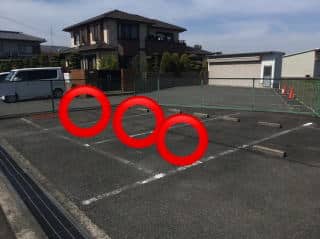
泉佐野の縁里庵かつもと鍼灸院へ行く
簡単なマップを載せさせていただきます。
縁里庵かつもと鍼灸院への前の道路は一方通行になっており駐車場は
鍼灸院から線路側になり通り過ぎるとまた回ってもらわないといけません。
通り過ぎないようにお気をつけください
駐車場はフェンスに囲われた4台とめれる駐車場の1~3番になります。
空いているところに駐車ください。
駅からは泉佐野市の井原里駅から徒歩3分
泉佐野駅や関西空港からも近いです。
大阪に旅行に来られた方や、海外の方もご来院して頂けます。